The Ultimate Guide to Choosing the Perfect Event Platform for Your Hybrid Events on a Budget
A streamlined guide with 17 key considerations to help you select a platform that impresses without breaking the bank. Make sure you get a copy of your checklist at the end.
Planning a hybrid event on a tight budget is like cooking a gourmet meal with pantry staples—you need creativity, strategy, and the right tools. As an event manager, selecting a cost-effective platform that caters to both in-person and virtual attendees is crucial. This streamlined guide provides 17 key considerations to help you select a platform that impresses without breaking the bank. Each point is backed by third-party research, budget-friendly tips, and an actionable checklist.
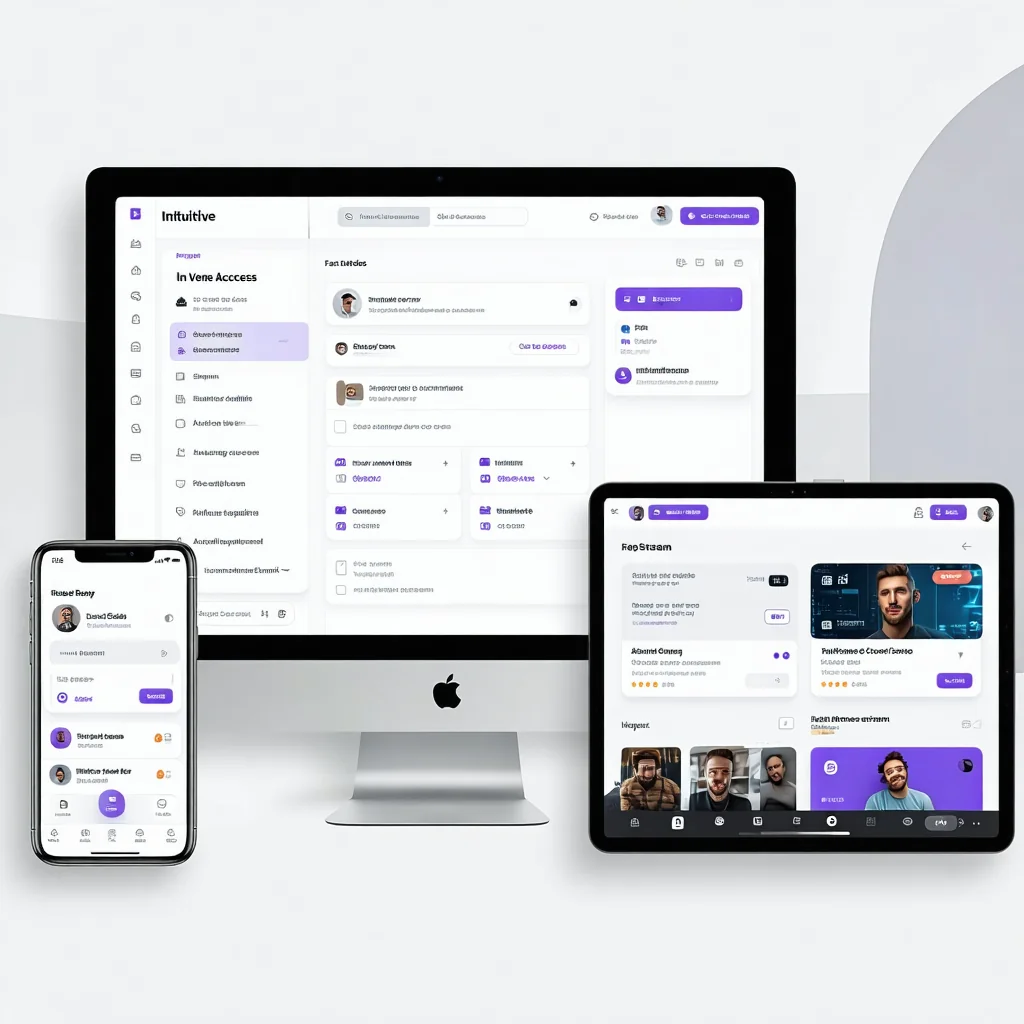
1. Prioritize a Seamless User Experience
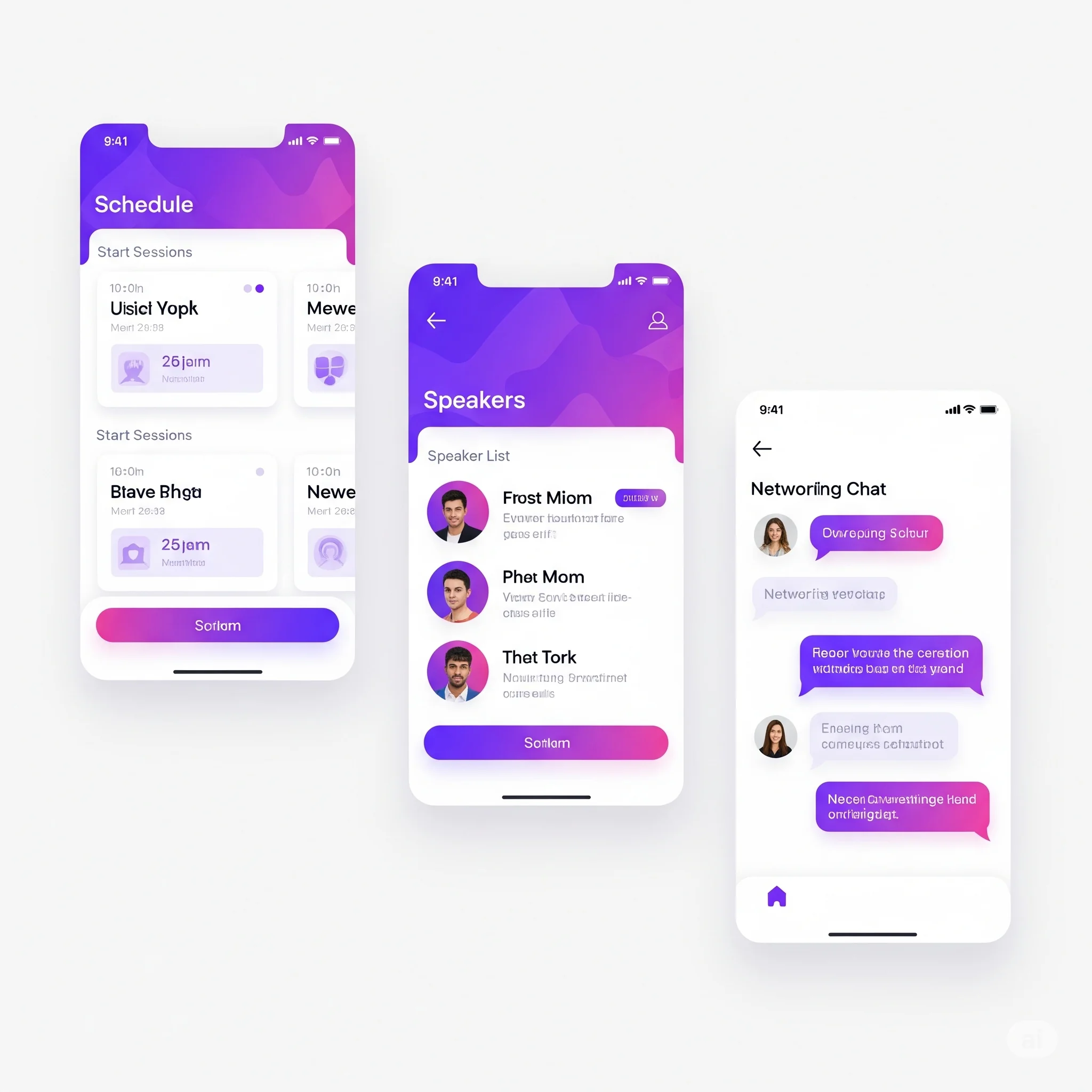
A great platform feels intuitive for all attendees, whether in the venue or online.
Fact: Forrester’s 2024 US Customer Experience Index found the average ease of experiences fell to just 66% — an all-time low. Usability is what keeps people from dropping off.Look for a clean interface that works across devices. A progressive web app (PWA) is ideal—it offers app-like functionality without a download, works offline, and ensures fast, reliable mobile access.
- Test registration and streaming on mobile and desktop.
- Ensure a PWA or responsive browser version is in the base plan.
- Verify navigation is intuitive with clear menus.
- Check for free guided tutorials or tooltips.
- Tailor content for in-person and online attendees.
- Ensure options to engage your attendees via push notifications.
2. Ensure High-Quality Streaming
Streaming issues can tank your event.
Fact: In the landmark Akamai-based study by Krishnan & Sitaraman (2012), viewers start abandoning a stream after roughly 2 seconds of delay, and each extra second raises the abandonment rate by about 5.8%.Choose platforms with high-definition video and adaptive bitrate streaming.
- Confirm HD video (1080p or higher) in the base plan.
- Test streaming on low-bandwidth connections.
- Ask about the load capacity for your audience size.
- Request uptime stats (aim for 99.9%+).
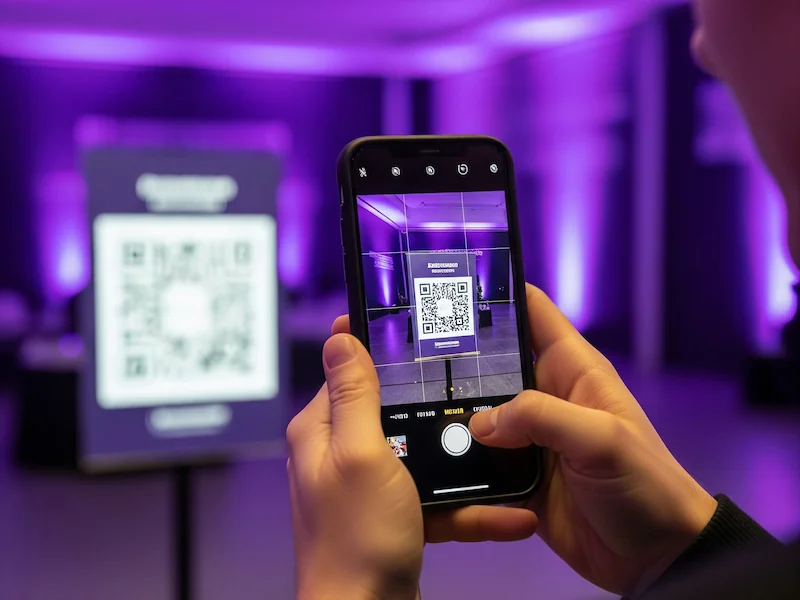
3. Integrate with In-Person Tech
Your platform must sync with on-site tools like projectors or RFID check-ins.
Fact: Integration is a near-universal pain point — MuleSoft’s Connectivity Benchmark found 70% of organizations still don’t deliver fully connected experiences, so a platform that syncs cleanly with your on-site tech (scanners, projectors, check-in) saves real headaches.- List your on-site tech (e.g., badge scanners, projectors).
- Verify compatibility with affordable AV equipment.
- Test real-time syncing of attendee data.
- Confirm free API support for integrations.
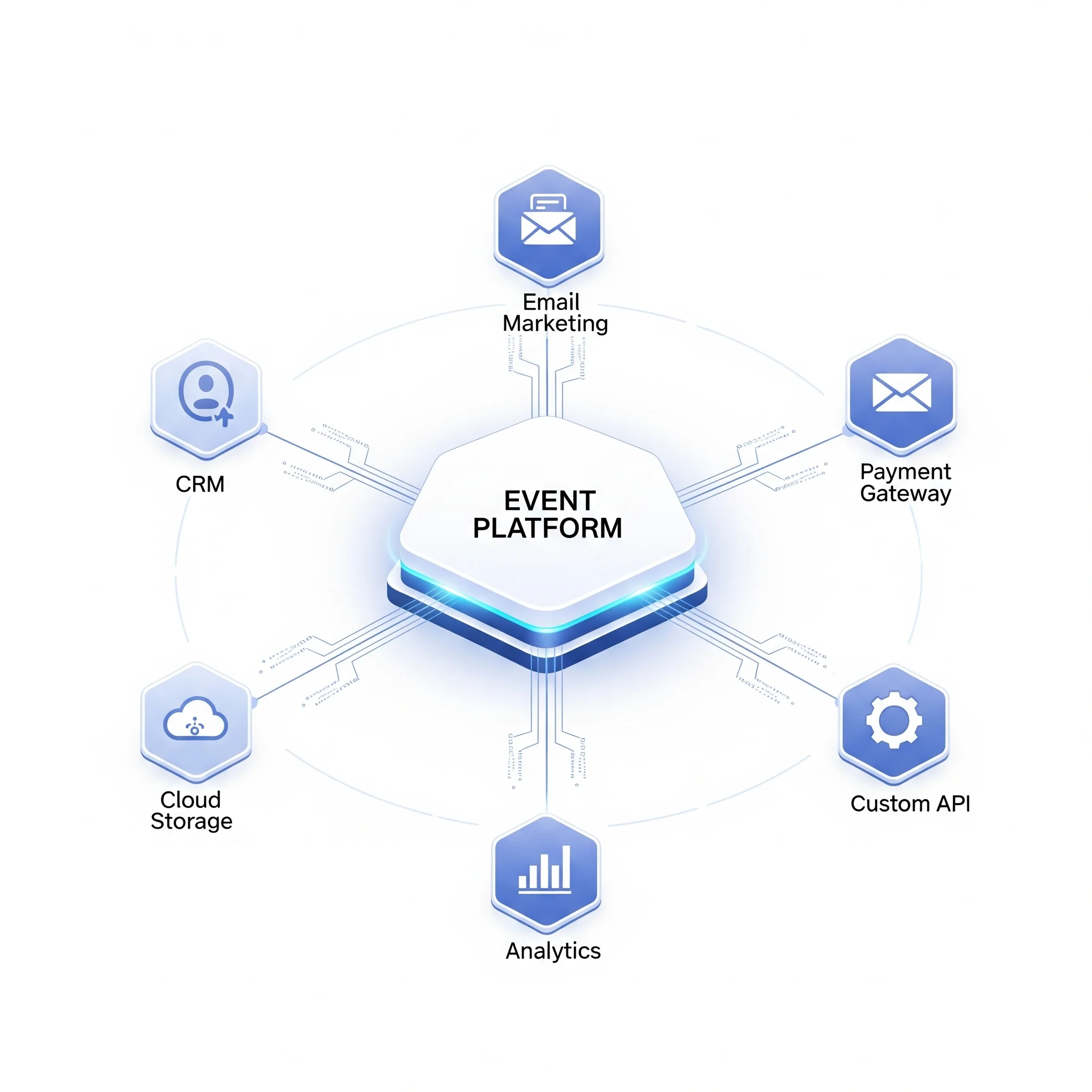
4. Integrate with Existing Tools
Sync with your workflow.
Fact: The same MuleSoft study found most organizations still run on disconnected systems — so make sure your event platform integrates with the CRM, email, and payment tools you already use.Check compatibility with free CRMs or payment systems.
- List your tools (CRM, email, payment).
- Verify free API support for integrations.
- Test data syncing with free tools.
- Confirm compatibility with low-cost badge printers.
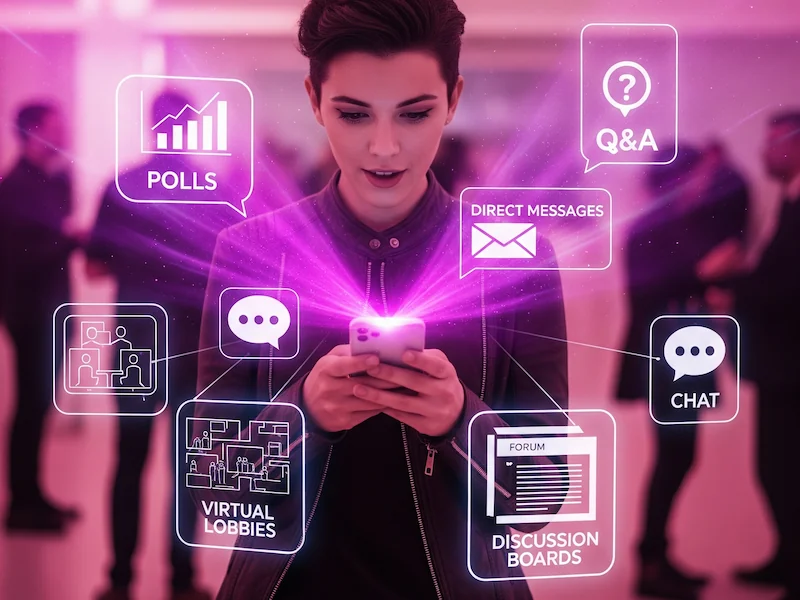
5. Enhance Attendee Interaction and Community
Engagement, networking, and community make events memorable.
Fact: Networking drives attendance: Bizzabo reports 87% of organizers say networking is very important to their in-person events, and 83% of attendees say it influences their decision to attend.Look for platforms with polls, Q&A, chat, AI matchmaking, virtual lobbies, and discussion boards.
- Enable free polls, Q&A, and chat for sessions.
- Set up virtual lobbies or discussion boards for mingling.
- Use basic AI matchmaking or attendee profiles if included.
- Promote pre-event networking via free tools.

6. Demand Robust Analytics
Data proves your event's success.
Fact: In Cvent’s survey of 1,000+ marketers, 74% can trace pipeline directly to event touchpoints and 72% say deals close faster when prospects attend — the teams who prove ROI are the ones with the analytics to do it.Look for free real-time dashboards tracking attendance and engagement.
- Confirm free real-time analytics for attendance.
- Check for exportable reports in CSV/PDF.
- Test dashboard usability during setup.
- Ensure metrics cover both audiences.
7. Prioritize Security and Privacy
Data breaches destroy trust.
Fact: Security isn’t optional: IBM’s 2024 Cost of a Data Breach Report put the global average breach at a record $4.88M.Ensure GDPR/CCPA compliance and basic encryption.
- Verify GDPR/CCPA compliance for your region.
- Confirm basic encryption for streams.
- Check secure payment gateways in the base plan.
- Review data storage policies.
8. Ensure Accessibility for All
Inclusivity matters.
Fact: Accessibility serves a large audience — the WHO estimates 1.3 billion people (about 16%, or 1 in 6) live with a significant disability.Confirm basic closed captioning and screen reader support.
- Test free closed captioning for live sessions.
- Verify screen reader compatibility.
- Enable multilingual options if included.
- Ensure mobile check-in is accessible.
9. Customize for Brand Consistency
Your event should reflect your brand.
Fact: Consistency pays: the State of Brand Consistency report found companies that present their brand consistently can see up to a 33% increase in revenue.Look for basic customization like logos and colors.
- Upload logo and brand colors.
- Customize registration pages with free templates.
- Create tailored content for audiences.
- Test branded visuals in the interface.

10. Plan for Scalability
Think long-term.
Ensure the platform supports growth without steep price jumps.
- Confirm capacity for future growth.
- Review affordable pricing tiers.
- Test performance with simulated audiences.
- Ask for case studies of similar events.
11. Offer On-Demand Content
Time zones vary.
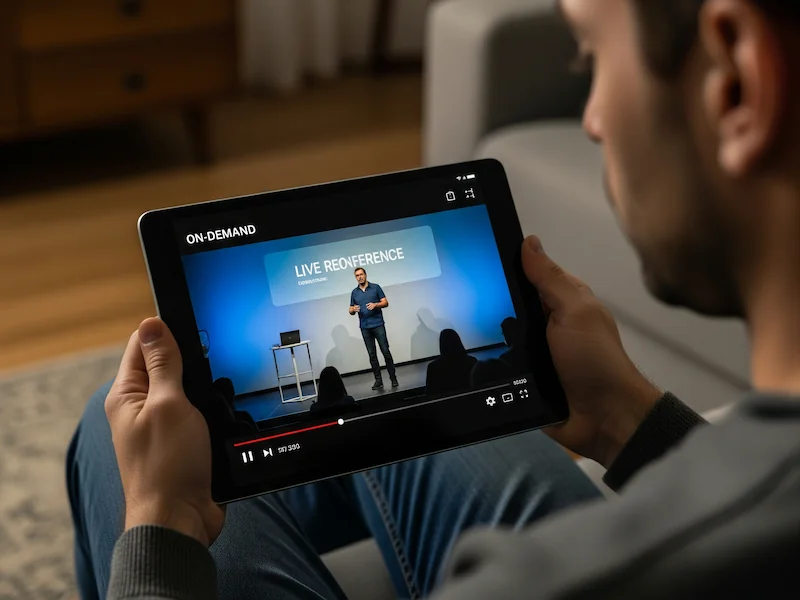
Fact: On-demand keeps working long after the live date — in Wistia’s State of Video research, on-demand replays make up roughly half of a webinar’s views in the first month and about 70% within three months.Ensure basic recording and upload capabilities.
- Test recording and upload process.
- Set up on-demand access post-event.
- Restrict premium content if included.
- Verify playback on multiple devices.
12. Demand Reliable Support
Tech glitches happen.
Fact: Audiences expect always-on help — Zendesk’s CX Trends research finds 74% of customers now expect support to be available 24/7.Look for basic support via email or chat.
- Test support response via chat/email.
- Confirm 24/7 availability in the base plan.
- Request a free account manager if possible.
- Save support contact details.
13. Simplify Setup and Management
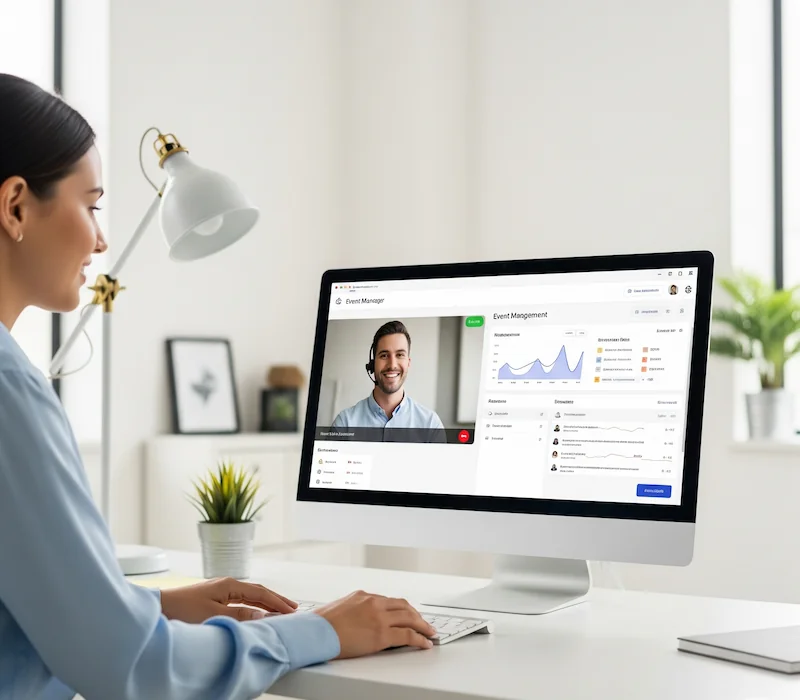
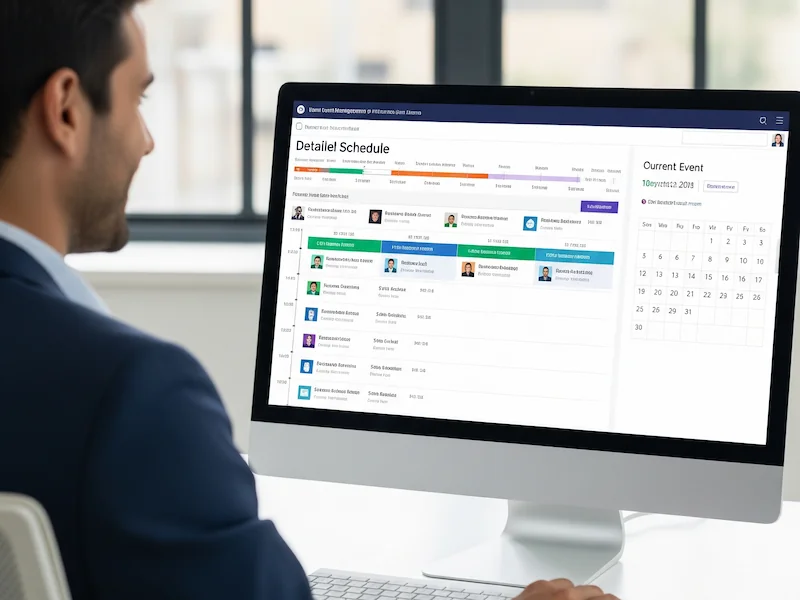
A complex platform wastes time. Look for an intuitive dashboard for registrations and schedules.
- Test dashboard for ease of use and look for AI-assisted content generation.
- Set up a sample event.
- Ensure non-technical staff can navigate.
- Verify bulk upload options.

14. Support Time Zone Flexibility
Global audiences need time zone support.
- Enable time zone adjustments for schedules.
- Test agenda display in multiple time zones.
- Confirm email reminders adjust automatically.
- Provide a free time zone converter tool.
15. Manage Multiple Events
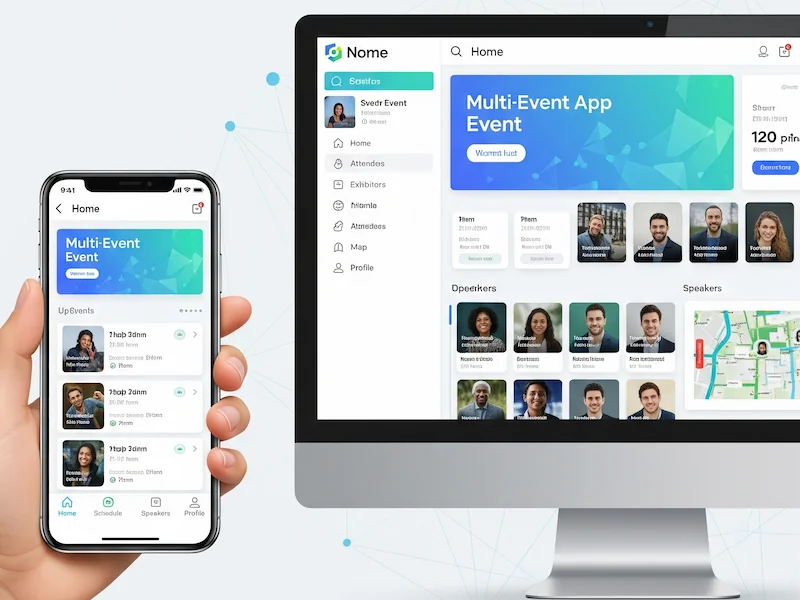
For multiple events, choose a platform supporting unique branding.
- Set up two sample events with branding.
- Verify independent settings for each.
- Test cross-event analytics.
- Confirm bulk management features.
16. Balance Cost and Value
Don't pick the cheapest option blindly.
- Request a pricing breakdown.
- Compare features across three platforms.
- Check for hidden fees.
- Schedule a demo to assess value.
17. Ensure Reliability Under Load
Crashes kill events.
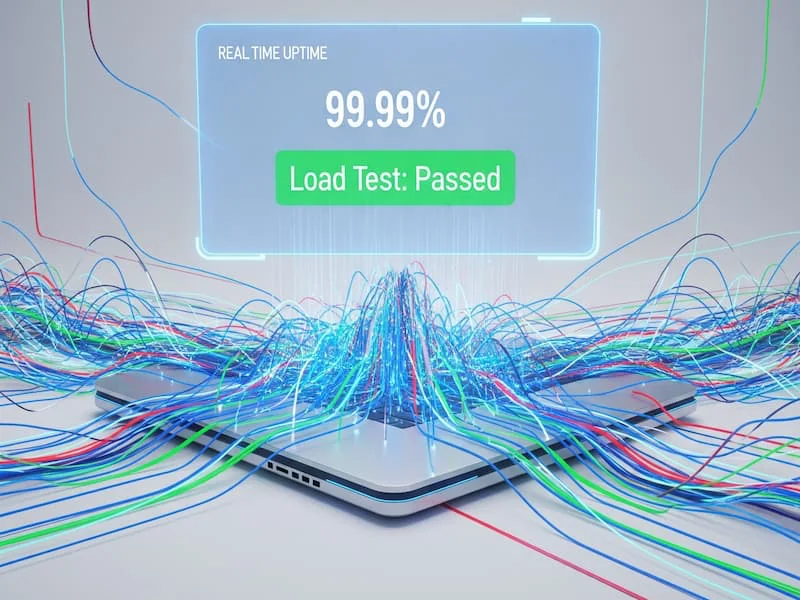
Fact: Downtime is costly: Gartner’s widely cited benchmark puts IT downtime at about $5,600 per minute (as documented by Atlassian) — staying up under peak load protects your event and your budget.- Request uptime stats (aim for 99.9%+).
- Ask for load-testing results.
- Review case studies of similar events.
- Test stability with simulated traffic.
Why choosing the right platform matters
A budget-friendly platform blends essential tech, engagement, and analytics to make your hybrid event shine. Test thoroughly, prioritise free or low-cost features, and use these checklists to stay on track.
Ready to find a platform that fits your budget? Consider Eventira.